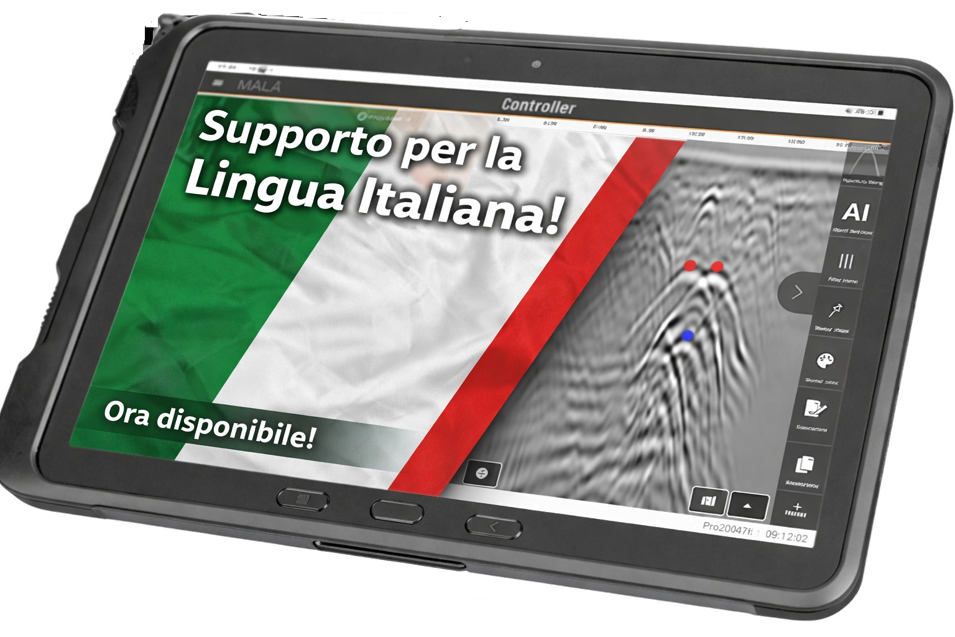
New version of MALÅ Controller App (v14.260512) released with Italian language support!
Apart from general enhancements and bug fixes this release:
- Includes the possibility of changing the language to Italian
- Updated logo graphics in header
To change the language in the MALÅ Controller App, tap the main menu button in the top-left corner of the app and open the Settings page. Scroll down to Display Settings and select Language. Choose your preferred language from the available options: English, Italian, French, German, Spanish, Chinese, or Japanese. Restart the app for the changes to take effect.
Download the new version directly from the MALÅ Controller App, the product page of MALÅ Controller App or from the Guideline Geo resource center.
We recommend that all customers upgrade their software to gain access to new features and general improvements.
Please visit our software changelogs available on the Guideline Geo webpage for additional details regarding our current software releases.
If you have additional questions regarding MALÅ Vision Desktop please contact [email protected] or [email protected]